
Pillar Two: Inheritance in Python
Inheritance lets a child class (like Hand) automatically reuse all the methods of a parent class (like Deck) by writing class Child(Parent):, overriding only what's different — use it for genuine IS-A relationships, not just to avoid retyping code.
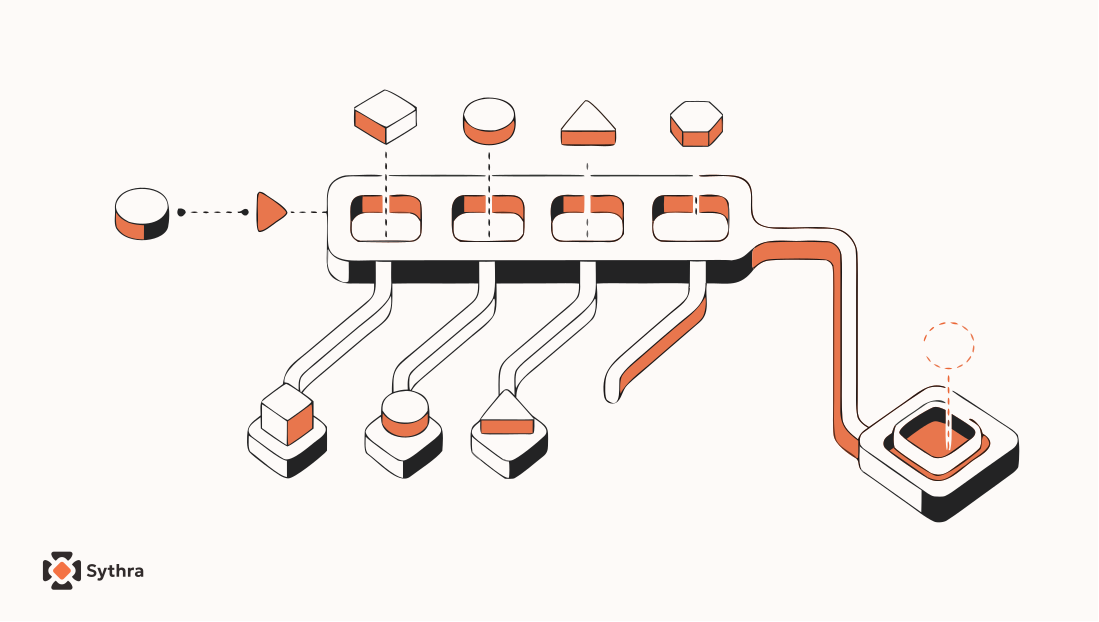
Imagine you're writing a card game. You've already built a Deck class — it holds 52 cards and knows how to shuffle and deal them. Now you want to model a Hand — the set of cards a player holds during a game.
A hand and a deck are obviously related — both are collections of cards, both need to add and remove cards. But they're not the same thing: a hand is smaller, might score itself for poker, and belongs to a specific player. Copy-pasting the Deck code feels wrong — now you have two almost-identical classes, and fixing a bug in one means remembering to fix it in the other.
The right answer is inheritance: defining a new class that automatically gets all the methods of an existing class, and then adding or changing only what's different. The existing class is the parent; the new one is the child.
What you will learn
- How to encode data smartly using integers instead of fragile strings
- The difference between class attributes and instance attributes
- How to make custom objects comparable with
__lt__ - The
class Child(Parent):syntax and overriding__init__ - When to use inheritance (IS-A) vs. composition (HAS-A)
- How to debug inherited methods with Method Resolution Order (MRO)
Card objects: encoding data smartly
A playing card has a suit (Clubs, Diamonds, Hearts, Spades) and a rank (Ace through King). You could store them as strings — but strings are awkward to compare. Is 'Queen' greater than 'Jack'? Python compares them alphabetically, which gives unreliable answers for card games.
The better choice is integers with a mapping:
Suits:  Clubs=0,  Diamonds=1,  Hearts=2,  Spades=3
Ranks:  Ace=1, 2=2, 3=3, ... 10=10, Jack=11, Queen=12, King=13
class Card:
"""Represents a standard playing card."""
def __init__(self, suit=0, rank=2):
self.suit = suit
self.rank = rank
# Create the Queen of Diamonds: suit=1 (Diamonds), rank=12 (Queen)
queen_of_diamonds = Card(1, 12)Class attributes vs. instance attributes
Printing a Card right now gives an unhelpful memory address — you need a __str__ that turns integer codes back into words. Where should the lookup lists live? The answer is class attributes — variables defined inside the class body but outside any method, belonging to the class itself, shared by every instance:
class Card:
    """Represents a standard playing card."""

    # Class attributes — shared by ALL instances
    suit_names = ['Clubs', 'Diamonds', 'Hearts', 'Spades']
    rank_names = [None, 'Ace', '2', '3', '4', '5', '6', '7',
                  '8', '9', '10', 'Jack', 'Queen', 'King']

    def __init__(self, suit=0, rank=2):
        self.suit = suit    # instance attribute
        self.rank = rank    # instance attribute

    def __str__(self):
        return f'{Card.rank_names[self.rank]} of {Card.suit_names[self.suit]}'
The first element of rank_names is None — a placeholder for index 0, since no card has rank 0. That keeps the index lined up: rank 12 gives rank_names[12], which is 'Queen'.
card1 = Card(2, 11)
print(card1)
# → Jack of HeartsImagine a thousand Card objects in a deck — each has its own suit and rank, but suit_names and rank_names? Just one copy each, shared by all 1000 cards simultaneously.
Comparing cards with __lt__
To sort a hand or find the highest card, Python needs to know how to compare two Card objects. You tell it by defining __lt__ (less than). We'll say suit matters more than rank:
# inside class Card:
def __lt__(self, other):
    return (self.suit, self.rank) < (other.suit, other.rank)
Python compares tuples element by element — checking suit first, moving to rank only if suits are equal. One line handles the whole comparison.
Decks: a nested loop pattern
A deck is, at its heart, a list of cards. __init__ builds all 52 by looping over suits and ranks:
class Deck:
    def __init__(self):
        self.cards = []
        for suit in range(4):          # 0, 1, 2, 3
            for rank in range(1, 14):  # 1, 2, 3, ... 13
                card = Card(suit, rank)
                self.cards.append(card)
This nested loop — a loop inside a loop — is the standard pattern for generating all combinations of two things. For printing, building a string with repeated + inside a loop is slow; the efficient pattern is to collect pieces in a list, then join at the end:
# inside class Deck:
def __str__(self):
    res = []
    for card in self.cards:
        res.append(str(card))
return '\n'.join(res)A few small methods round out the Deck: pop_card (deals the last card via list.pop()), add_card (returns a card via list.append()), and shuffle (one line using random.shuffle(self.cards)). pop_card and add_card get a slightly dismissive nickname — veneers — thin wrappers over list methods that do no real computation, but make the code more readable.
Inheritance itself: building Hand from Deck
A hand is like a deck — a collection of cards needing to add and remove — but different: it starts empty (not with 52 cards), belongs to a specific player, and might score itself for poker. With inheritance, you say: "Hand is a kind of Deck. It gets everything Deck has. Here's what's different." The syntax is tiny — put the parent class in parentheses:
class Hand(Deck):
    """Represents a hand of playing cards."""
That one line gives Hand every method Deck has — pop_card, add_card, shuffle, __str__ — all for free. But Hand needs its own __init__, since Deck's creates 52 cards and a hand should start empty. To override a parent's method, just define a new one inside the child:
# inside class Hand:
def __init__(self, label=''):
    self.cards = []      # empty — not 52 cards
    self.label = label   # the player's name or description
hand = Hand('Alice')
print(hand.cards) # []
print(hand.label) # Alice
# But the inherited methods still work!
deck = Deck()
card = deck.pop_card()
hand.add_card(card)
print(hand)
# → King of SpadesWe only wrote __init__ for Hand — everything else came from Deck for free. A move_cards method on Deck makes dealing batches easy:
# inside class Deck:
def move_cards(self, hand, num):
    for i in range(num):
        hand.add_card(self.pop_card())
Because of inheritance, hand can be a Hand object or a Deck object — move_cards doesn't care. It just calls add_card and pop_card, and both classes have those methods.
IS-A vs. HAS-A: when not to use inheritance
Inheritance's downside is real: it can make programs harder to read. When you call hand.shuffle() and there's no shuffle in Hand, you have to go look in Deck. With multiple levels, you might hunt through several parents.
The rule: use inheritance only when there's a genuine IS-A relationship. A Hand IS-A kind of Deck — inheritance makes sense. A Car is NOT-A kind of Engine — there, make engine an attribute of Car instead (composition):
- IS-A (inheritance) —
Handis a kind ofDeck. Useclass Hand(Deck):. - HAS-A (composition) — a
Deckhas a list ofCards. Useself.cards = []insideDeck.
Debugging inheritance: Method Resolution Order
Inheritance introduces a new debugging puzzle: when you call a method, which class actually provides it? With a simple object you always know; with an inherited object, the method might come from the class itself, its parent, or its grandparent. The tool for this is mro() — Method Resolution Order, the ordered list of classes Python searches:
def find_defining_class(obj, meth_name):
    for ty in type(obj).mro():
        if meth_name in ty.__dict__:
            return ty

hand = Hand()
print(find_defining_class(hand, 'shuffle'))
# → <class '__main__.Deck'>
For a Hand, the MRO is [Hand, Deck, object] — Python looks in Hand first, then Deck, then the built-in object.
Data encapsulation: refactoring globals into a class
Sometimes programs grow organically — you start with functions and global variables, get something working, and only later realize they should be a class. This pattern is called data encapsulation (a narrower idea than the pillar of the same name), with a four-step recipe: write functions on global variables, get it working, look for associations between functions and variables, then wrap the related variables as attributes of a new class.
# Before: global variables floating freely
suffix_map = {}
prefix = ()

# After: encapsulated inside a class
class Markov:
    def __init__(self):
        self.suffix_map = {}
        self.prefix = ()
The logic is unchanged — only suffix_map and prefix now live inside an object instead of floating globally, so you can run multiple analyses simultaneously with independent state. Changing a program's structure without changing its behavior is called refactoring — one of the most important skills in programming.
Extra: putting inheritance to work with PokerHand
The real payoff shows up when you add specialized subclasses:
class PokerHand(Hand):
    """Represents a poker hand."""

    def has_pair(self):
        ranks = [card.rank for card in self.cards]
        for rank in ranks:
            if ranks.count(rank) >= 2:
                return True
        return False

    def has_flush(self):
        suits = [card.suit for card in self.cards]
        return len(set(suits)) == 1
PokerHand inherits from Hand, which inherits from Deck — so it can pop_card, add_card, and shuffle without writing those methods, while adding its own poker-specific knowledge on top. Each level of the hierarchy knows what it needs and delegates the rest upward.
Common mistakes
- Storing card ranks and suits as strings and comparing them alphabetically instead of using integers with a mapping
- Confusing a class attribute (one shared copy) with an instance attribute (one per object)
- Using inheritance for a relationship that isn't genuinely IS-A, just to avoid rewriting a few methods
- Overriding a method with a different interface than the parent, breaking code written to expect the parent's contract
Common questions
How do you inherit from a class in Python?
Write class Child(Parent): — the child class automatically gets every method and attribute the parent defines. You can then add new methods or override existing ones by redefining them inside the child.
What is the difference between a class attribute and an instance attribute?
A class attribute is defined in the class body outside any method and is shared by every instance — there's only one copy. An instance attribute is set inside a method (usually __init__) via self, and each object gets its own separate copy.
What is the difference between IS-A and HAS-A relationships?
IS-A means one class is a specialized kind of another (a Hand IS-A Deck), which calls for inheritance. HAS-A means one class contains another as an attribute (a Deck HAS-A list of Cards), which calls for composition instead.
What does Method Resolution Order (MRO) mean in Python?
MRO is the ordered list of classes Python searches, in order, to find a method or attribute on an object. For a subclass, Python checks the subclass first, then its parent, then that parent's parent, and so on. You can inspect it with type(obj).mro().
When should you avoid using inheritance?
Avoid inheritance when the relationship isn't a genuine IS-A — using it purely to reuse code without a real conceptual relationship tends to produce confusing, hard-to-trace bugs. Prefer composition (HAS-A) in those cases.
Explore
Related topics
Keep going — these sit next to this concept in a real learning path.
The Four Pillars of OOP
The overview these four deep-dive articles build from.
Pillar One: Encapsulation
Bundling and protecting data — the previous pillar.
Pillar Four: Polymorphism
How inheritance and shared interfaces enable flexible code.
Classes and Methods in Python
self, __init__, and operator overloading — the foundation here.
Python course hub
All free Python explainers and the path into Agentic practice.
Pillar Three: Abstraction in Python
Hiding complexity with abstract classes and @abstractmethod.